
Search
Closure only on a valid image.
Search and rescue
In a search, what matters is whether the coordinator sees the sector now. An old frame of an empty field can hide a person who arrived since, or show them where they no longer are.
Needs: Fleet from one centreResilience in outagesControl from a centre
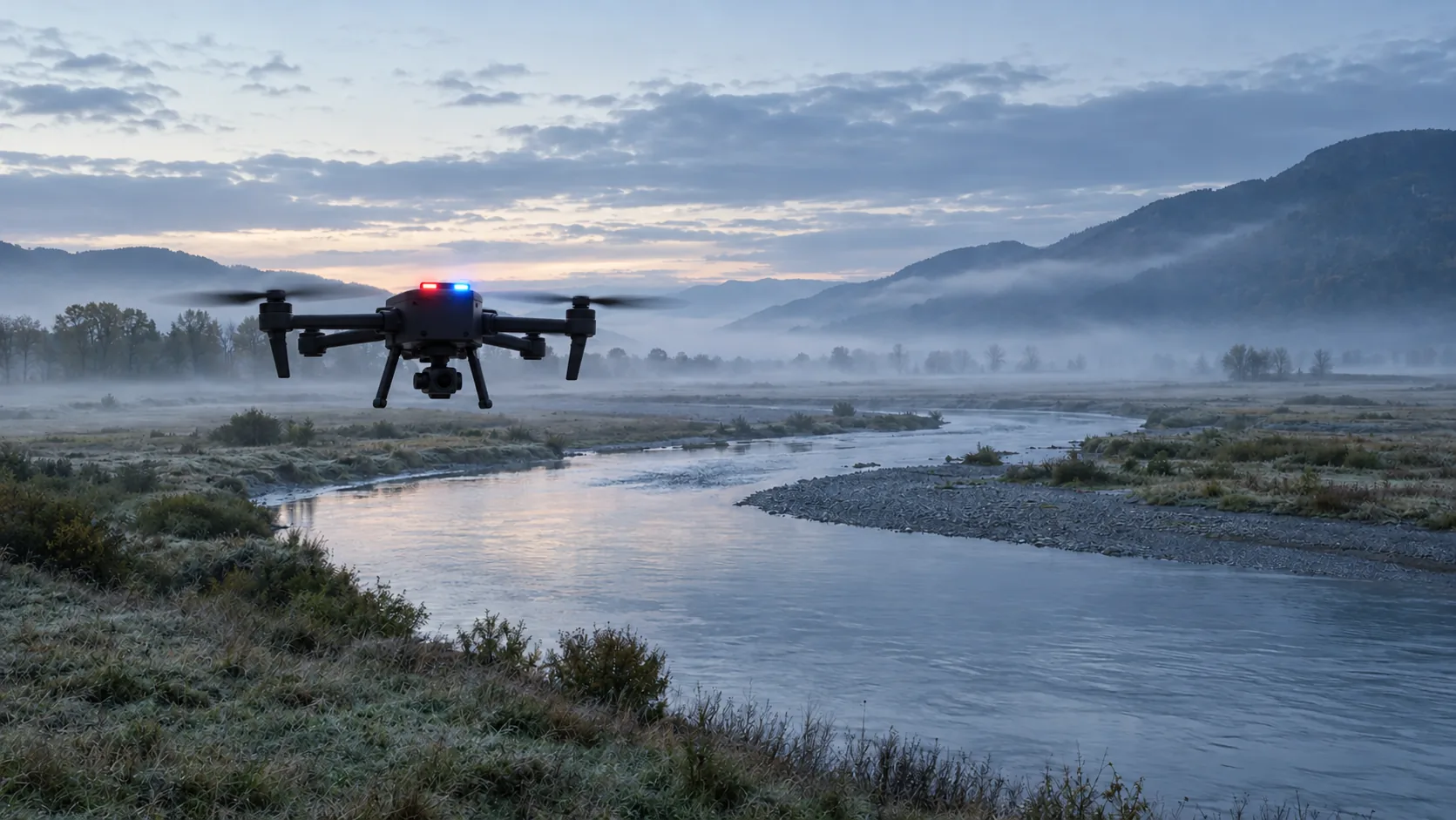
Illustrative case study
This is not a customer and not a flight that happened. It is a description of how this area would read if the image carried its age.
A river valley, an illustration
The coordinator splits the valley into sectors. Two drones search, the third goes to the battery. An empty frame of a field is not proof that nobody is there.
A sector is proposed for closure only in Valid. While a drone charges, the map shows a gap, not an empty sector.
A find carries the exposure time. After the search the commander sees which sectors were seen and when. AKIZU does not end the search.
Closure only on a valid image.
The gap is visible in the record.
Exposure time, not the time the file was opened.
AKIZU does not look for people and does not call rescue.
The chart requires JavaScript.
The chart is a simulation. Move the slowdown and see when the example stops being under the 50 ms target. The target is not a measured result.
Deployment schematic
The schematic is not to scale and is not a design for a specific site. It shows where the drone is, which two networks carry the frame and where the decision is made.
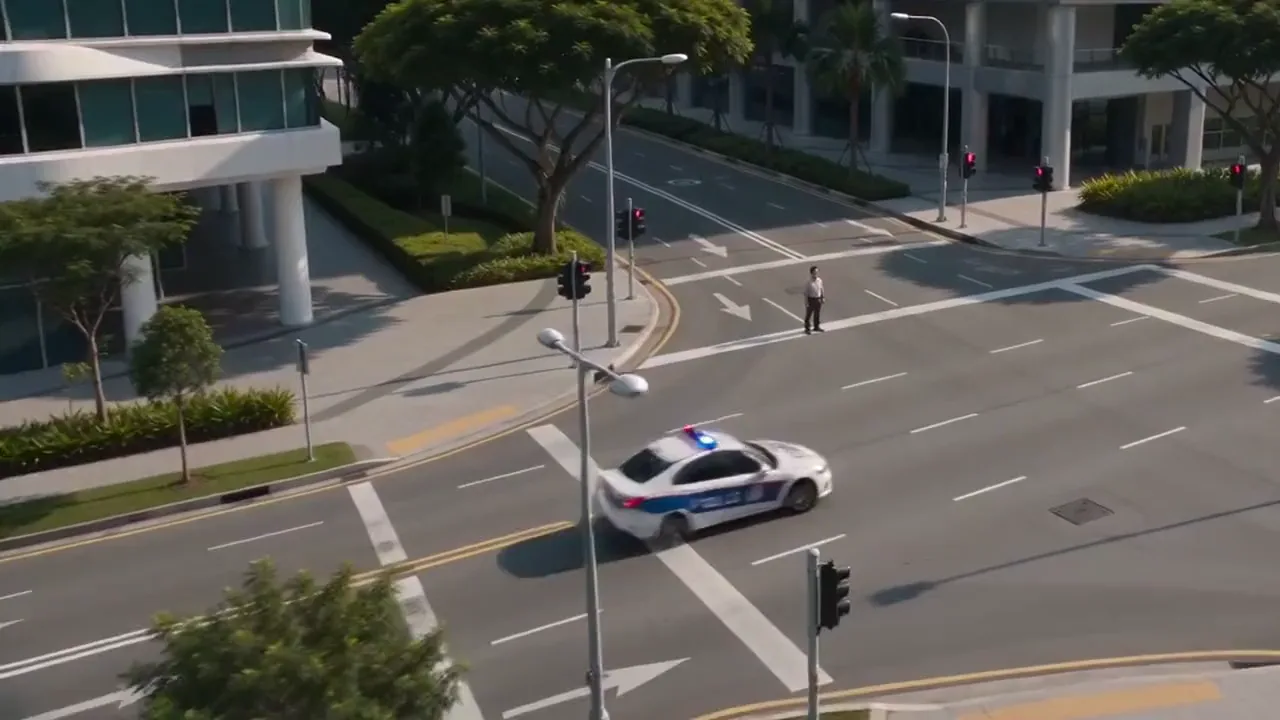
Red and blue beacons: police, state, the military in training. Orange: everyone else. The blink is only on screen. Schematic, design. The list beside it explains the codes in the drawing. The beacon is a payload from another maker, not an AKIZU product.
Concrete case
The same illustrative case as above, written out in time. The times are an example. It is not a record of a flight that happened.
An illustration, not a deployment record. N
Use options
Each row is a separate use. The Parts column says which AKIZU parts it would involve. Status N is a design, C is a target, U is unknown.
| Use | Who uses it | What AKIZU supplies | Parts | Status |
|---|---|---|---|---|
| A missing-person search | Mountain rescue, police | Sectors seen only in Valid | Brain, SIM, Platform, Direct | N |
| A search on water | Rescue | Exposure time on a find | Brain, Direct | N |
| Drone rotation | Coordinator | A gap in the map, not an empty sector | Platform | N |
| Night and low light | Rescue | Depends on the drone camera | Brain | U |
| A search debrief | Commander | Which sectors were seen and when | Platform | N |
None of these uses is deployed today. A row is not an offer and not an authorisation to fly.
01
One drone lands to charge and a gap appears in the record that nobody sees.
One cell on the slope is not enough and the image freezes without warning.
Without age they do not know which sector is still open.
Without a record of image state it is hard to say which sectors were actually seen.
The same situation, different information on the screen. Proposed behaviour, to be verified in a pilot.
| Situation | Without AKIZU | With AKIZU |
|---|---|---|
| The image is late | The image looks live; the pilot does not know how old it is. | Frame age is on the screen and the state changes to Reduced freshness. N |
| Several drones, one team | The operator does not know which image is current. | Every drone has its own age and state. An old image is not treated as confirmation. N |
| Link outage | The last frame stays on screen and looks valid. | A neutral screen with the reason, not a frozen image. N |
| The pilot is in a centre far from the drone | Latency changes and the pilot cannot see it. | The deadline guard warns when a command arrives late. N |
02
The flow is illustrative. AKIZU is in development.
03
How many metres further the drone is than the image shows. Pick a scenario or set the speed and image age.
The interactive calculation requires JavaScript.
Scenario speeds are examples. 87.4 ms is the p99 measured internally over WiFi with a phone as transmitter, not on a drone.
04
| Requirement | How AKIZU answers it | Status |
|---|---|---|
| A sector closes only on a valid image | Valid is the condition for the mark; the coordinator confirms it | N |
| A gap while charging | The record shows the sector is not covered | N |
| A weak network in a valley | Two networks, first valid copy | N |
| A find frame | Exposure time in the VERA header, a proposal | N |
| Radio backup | Not yet part of the design | U |
05
Sees which sectors are valid and which stay open.
Is warned when the sector image stops being valid.
Gets the search record without guesses about freshness.
06
07
EASA introduced SORA 2.5 in September 2025. A search operation needs its own authorisation.
The Brain Duo aim is to send every frame over two operators. It will be checked in a pilot; it is not a result measured on a drone.
Source: 3GPP TS 22.125
LTE and 5G. The Brain Duo concept sends every frame through two operators at once. The 3GPP standard expects the network to recognise a drone in the air, so we plan AKIZU SIM cards with an aerial profile at the operator.
The station does not show an old frame as current. When the age exceeds the deadline it switches to a neutral screen and shows the reason. We measured the switch internally within 2.72 ms.
The target is data centres in the European Union. The customer sets the retention period for records and video.
No. It proposes a mark only when the image is Valid. The coordinator confirms the closure.
No. A radio backup is not yet part of the design. When both networks fail, the operator sees a neutral screen.
09
The three image states in this area. Proposed behaviour, to be verified in a pilot.
The sector can be proposed for closure.
The sector stays open.
The map shows a gap, not an empty field.
10
Illustrative layout. Drone and station counts are an example, not an offer.
North of the valley
Searches. Its frame has an age.
South of the valley
In parallel. The coordinator does not mix them up.
Station
While it charges, its sector is not covered and the record says so.
11
Times are an example. They show when image age decides.
12
AKIZU does not look for people and does not call rescue.
We do not supply photogrammetry. We supply the age of the sector image.
The commander does that. We show which sectors had a valid image.
A pilot in this area
We are looking for first partners. The application is pre-filled for this area.
Other areas
Example deployments are illustrative. AKIZU is in development and does not replace a BVLOS authorisation.
In more detail
An empty frame is not proof that nobody is there.
A sector is proposed for closure only in Valid. While a drone charges, the map should show a gap.
We do not end a search. We do not find a person. We can say whether the sector image is valid.
Explore
Twelve solution areas and the sections that belong with them. The case studies are illustrations, not completed deployments.